Widget in Sidebar
- Navigate to
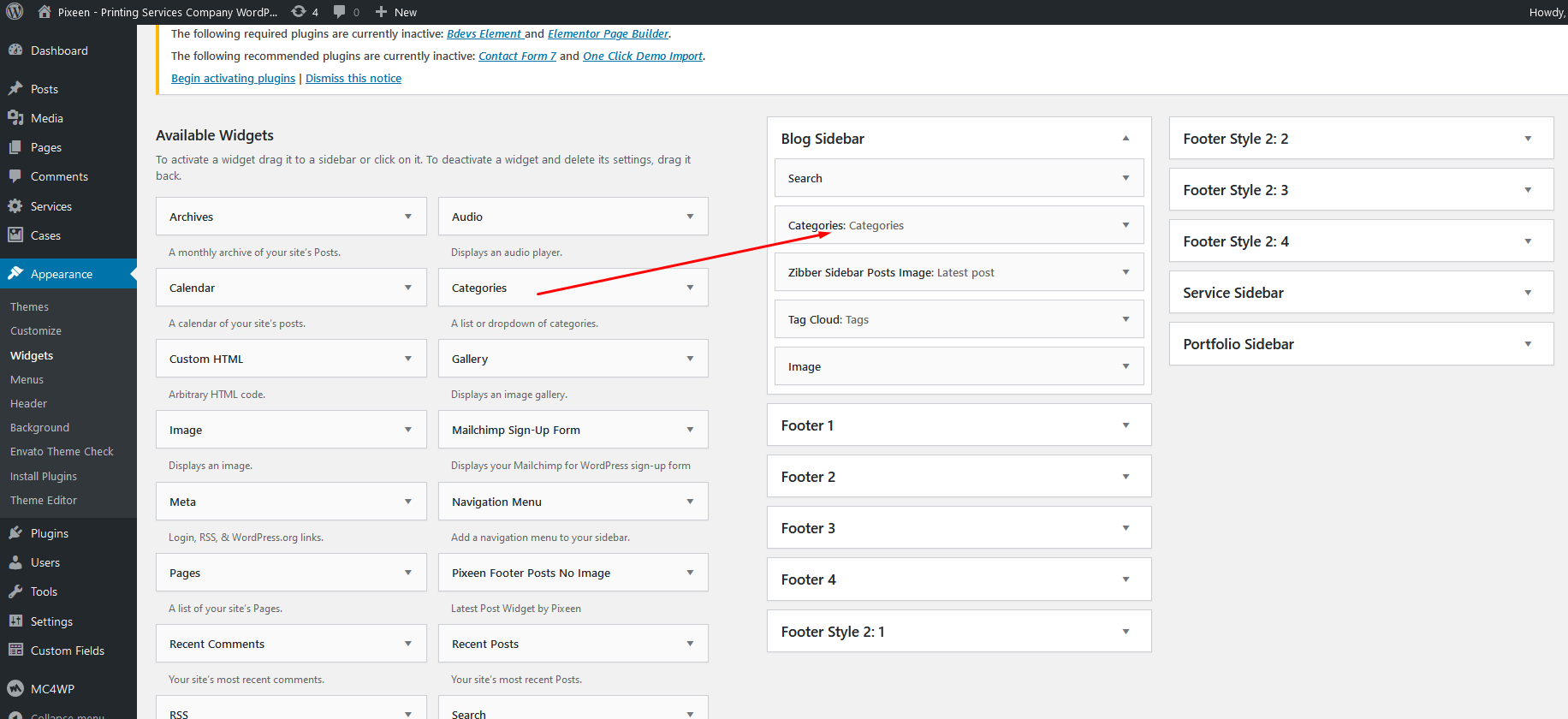
Appearance>Widgets. You can see all of the Sidebar here. - Choose the Widgets you want and drag it to the Sidebar you want or click on it to choose the Sidebar.
In the case you want to delete its settings, drag it back.
Edit Widget
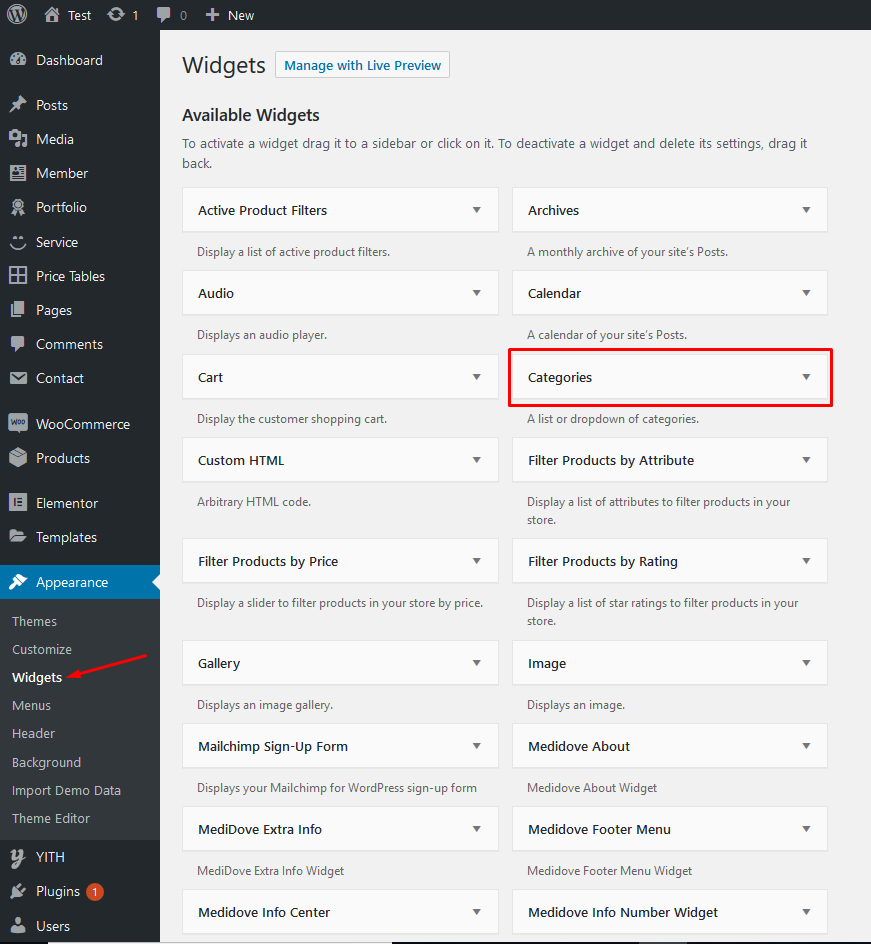
Hit Appearance > Widgets. Choose a widget you want to edit.
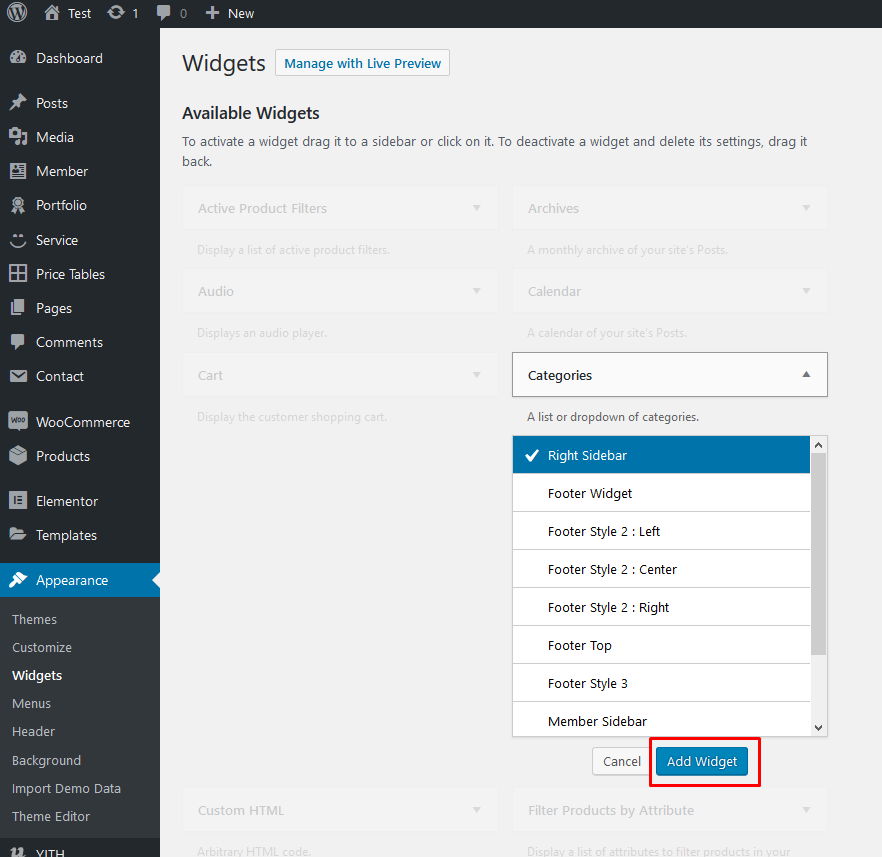
Then choose its area as you wish and hit Add Widget.
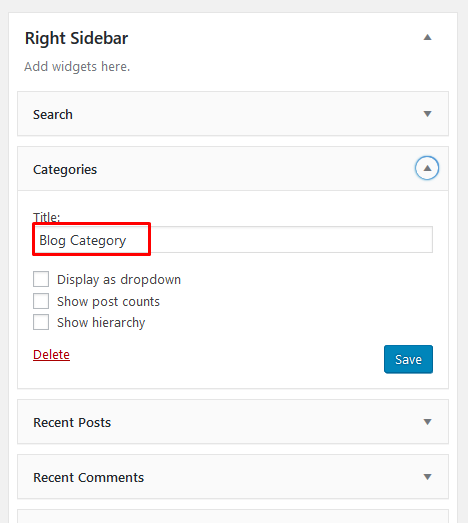
Then go to the right where you will notice a just-added widget. In this case, Search on Footer|#2. Type information and hit Save.
Finally Widget setup done. See your site now