Installation
How to Install


After downloading the file, you will receive a ZIP archive. Once you extract it, you will find
Documentation Folder,
SQL folder.
and User-app » eTrendz-flutter-app.zip also Web-app »
project.zip included in there:
and User-app »
eTrendz-flutter-app.zip also Web-app »
project.zip included in there:
NB: Installation service is not included with the purchase.
👉 You can check our installation & deployment pricing here: Installation Services & Pricing
💬 Need help? Contact us anytime: https://bugfinder.net/support-ticket
👉 You can check our installation & deployment pricing here: Installation Services & Pricing
💬 Need help? Contact us anytime: https://bugfinder.net/support-ticket
Developer Build Commands
After making changes to the application or frontend assets, run the following commands to install dependencies, build the assets, and clear the application cache.
Step 1
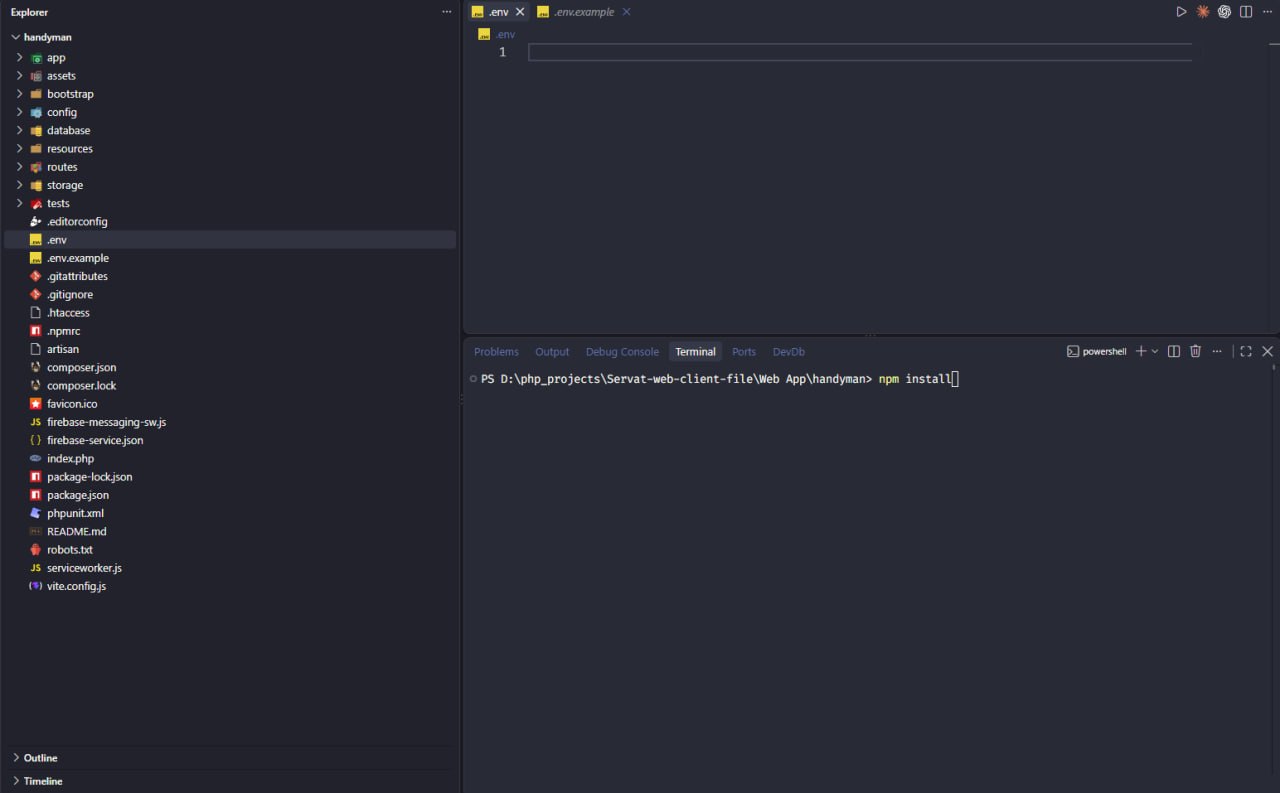
Install New Node Dependencies
Run npm install if a developer adds or updates any npm package:
Terminal Command
npm install
Step 2
Run
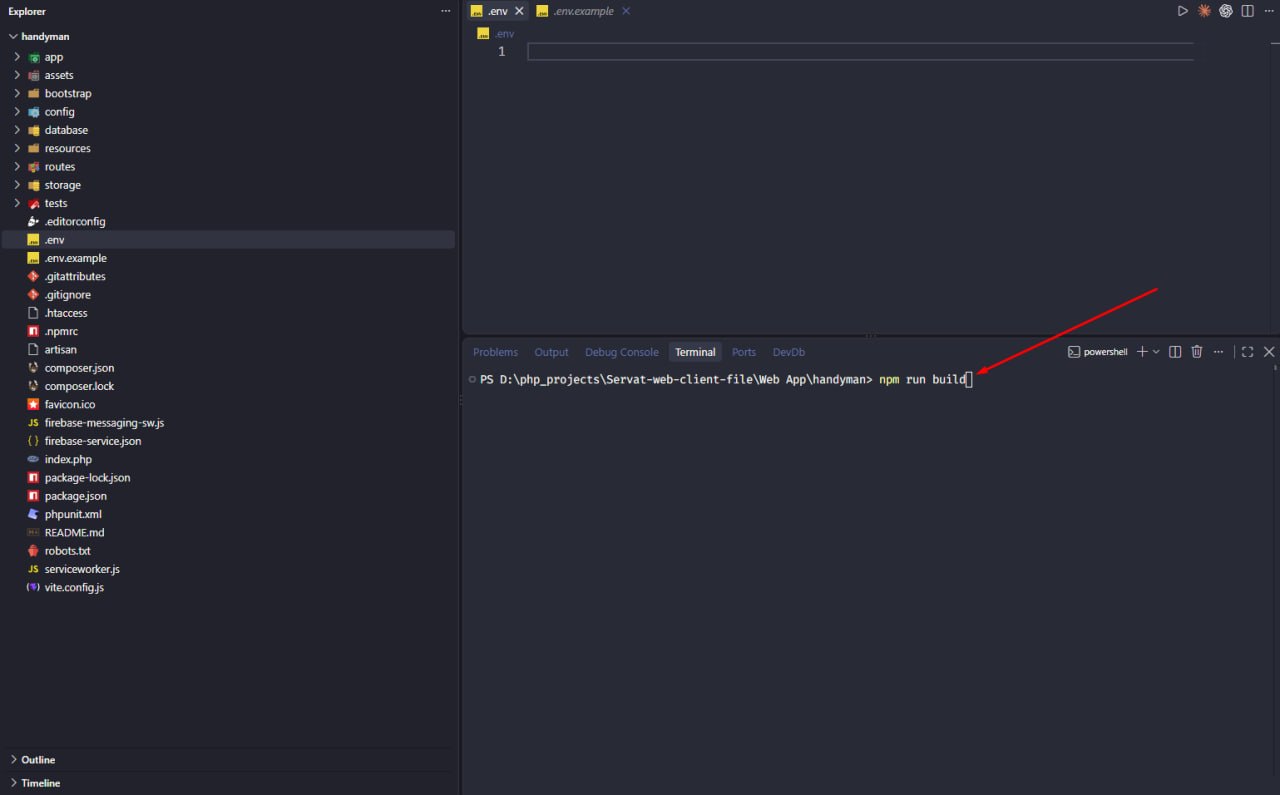
Run npm run build
Compile frontend production scripts & stylesheets:
Terminal Command
npm run build
Step 3
Run
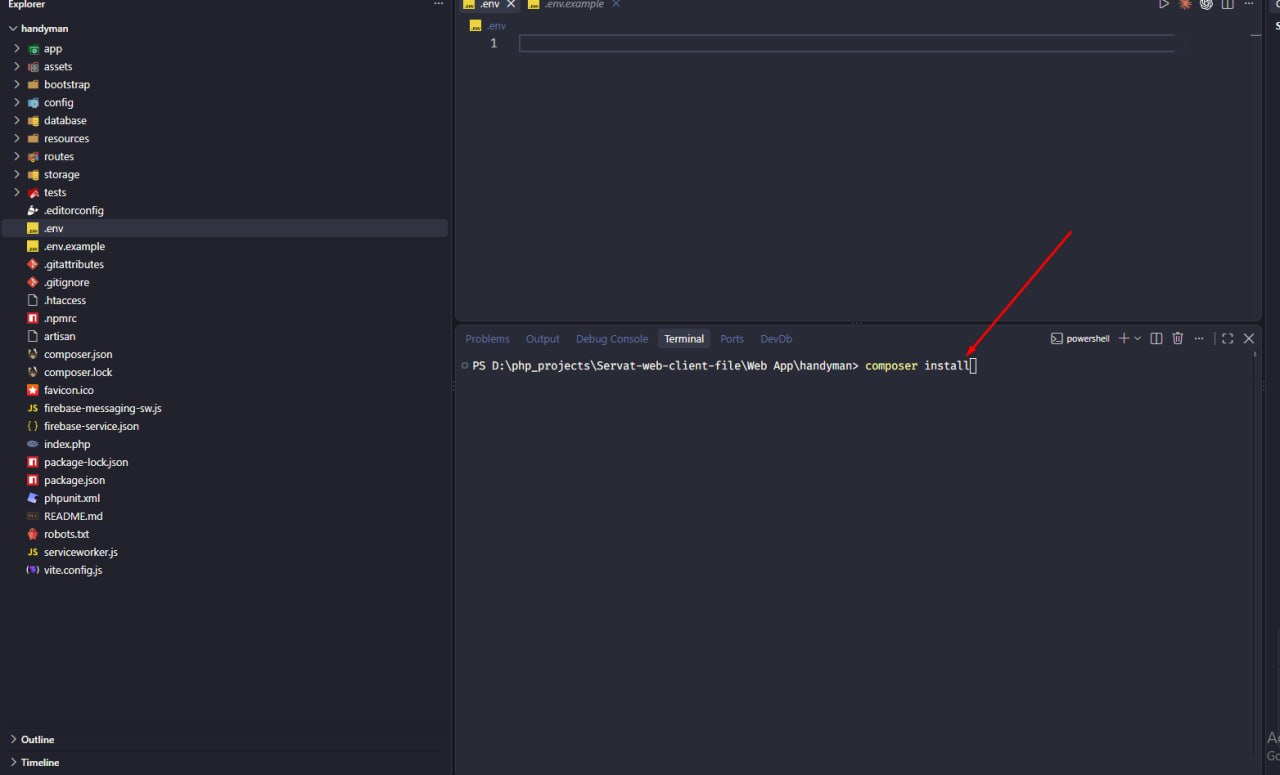
Run php artisan optimize:clear
Clear optimized cache and configuration:
Terminal Command
php artisan optimize:clear